Guides
Wet surfaces and puddles
patchMaterial() teaches your own materials about the weather. They darken and gloss when wet, collect puddles with raindrop rings, take on snow, stay dry under roofs, and can sway in the wind.
#Patch a material
weather.patchMaterial(ground.material, { ground: true });   // puddles + full snow blanket
weather.patchMaterial(wallMaterial);                          // wetness, ripples, snow on ledges
weather.patchMaterial(leafMaterial, { sway: true });          // bends in the wind
patchMaterial(material, options?) returns the same material, so it can wrap a constructor call. It works through onBeforeCompile:
- Supported materials:
MeshStandardMaterialandMeshPhysicalMaterial. Anything else logs a warning and is returned unchanged. - Chains an existing
onBeforeCompile, so it composes with other patches, including NatureGL Sky's cloud shadows. - Idempotent. Patching the same material twice does nothing the second time.
- Instancing and batching aware. The world position used for puddles and shelter includes the instance transform.
- Materials are shared by reference: patch a material once and every mesh using it gets the weather.
#What every patched material gets
| Effect | When |
|---|---|
| Wetness darkening and gloss | Scales with wetness. Stronger on up-facing faces |
| Raindrop ripples | Wet, horizontal faces while it's raining |
| Snow cover | Up-facing faces, by the true face normal, with a noise-broken edge, glints and cool shade |
| Shelter | Dry and snow-free under occluders. See Shelter and occlusion |
#ground: true
For roughly horizontal ground:
- Puddles fade in once wetness passes 30 % and are full at 75 %. Where they are depends on a world-space noise pattern, so they stay put as the camera moves. Puddles never form under snow or under shelter.
- The full snow blanket instead of ledge-only snow.
- Reflectivity for the SSR pass. In
weather.render(), puddles reflect the scene, and the raindrop rings distort the reflection. On the plain path they reflectscene.environment, or a sky tint if there's no environment map.
#sway: true
For trees and bushes: vertices bend with the wind, more the higher they are above y = 0.6 m. Put the object's origin at its base. The demo patches its foliage and trunks this way.
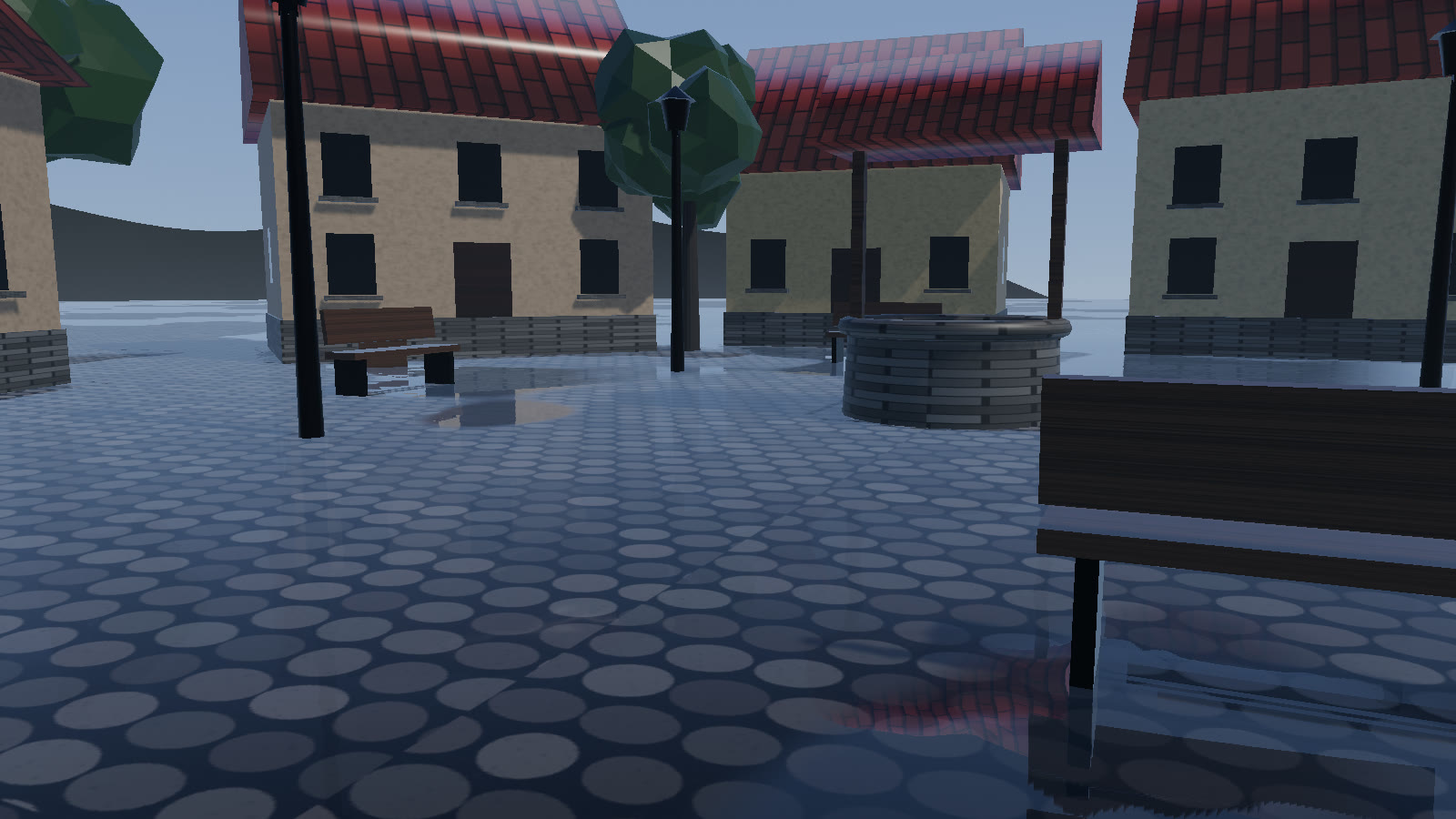
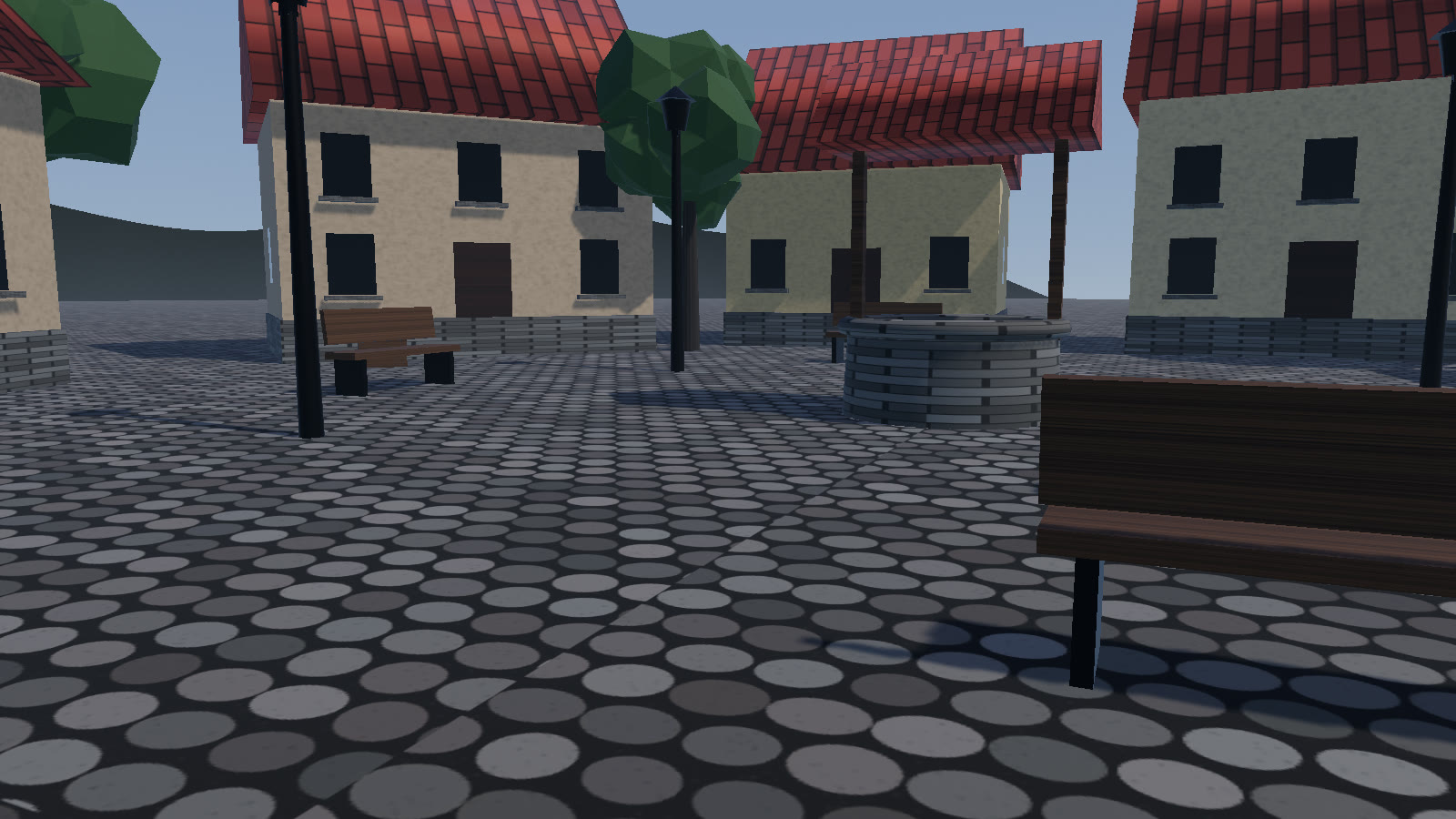
weather.wetness.setImmediate(1, 0). The cobbles and walls darken and gloss, and puddles open across the square.#Wetness is state
weather.wetness (the SurfaceWeather) holds the current wetness and snowCover, both 0–1. They are not targets: they change every frame, from the current weather.
| Effect | Rate per second at full strength |
|---|---|
| Rain wets | +0.08 × rain |
| Sun and wind dry, while it isn't raining | −0.004 × (1 − rain) × (0.3 + daylight × (1 − cloud)) |
| Snowfall covers | +0.03 × snow |
| Rain melts snow | −0.05 × rain × cover |
weather.wetness.rate multiplies all of them. daylight comes from setLighting({ daylight }), or from the key light's height when you don't pass it.
set({ rain: 1 }) on a dry afternoon: puddles open once wetness passes 30 %, about five seconds after the rain arrives.#Setting it directly
weather.set({ wetness: 1 });                        // ease there over ~4.5 s, then natural again
weather.set({ wetness: 1, snowCover: 0 }, { instant: true });
weather.wetness.force(0.6, null, 1.5);              // ease to 0.6 over 1.5 s (the demo's slider)
weather.wetness.setImmediate(0, 0);                 // bone dry, right now
weather.wetness.puddles = false;                    // no puddles at all
Presets include wetness and snowCover, so loadPreset('downpour') eases the streets to fully wet, and loadPreset('clear') dries them.
#Puddle reflections
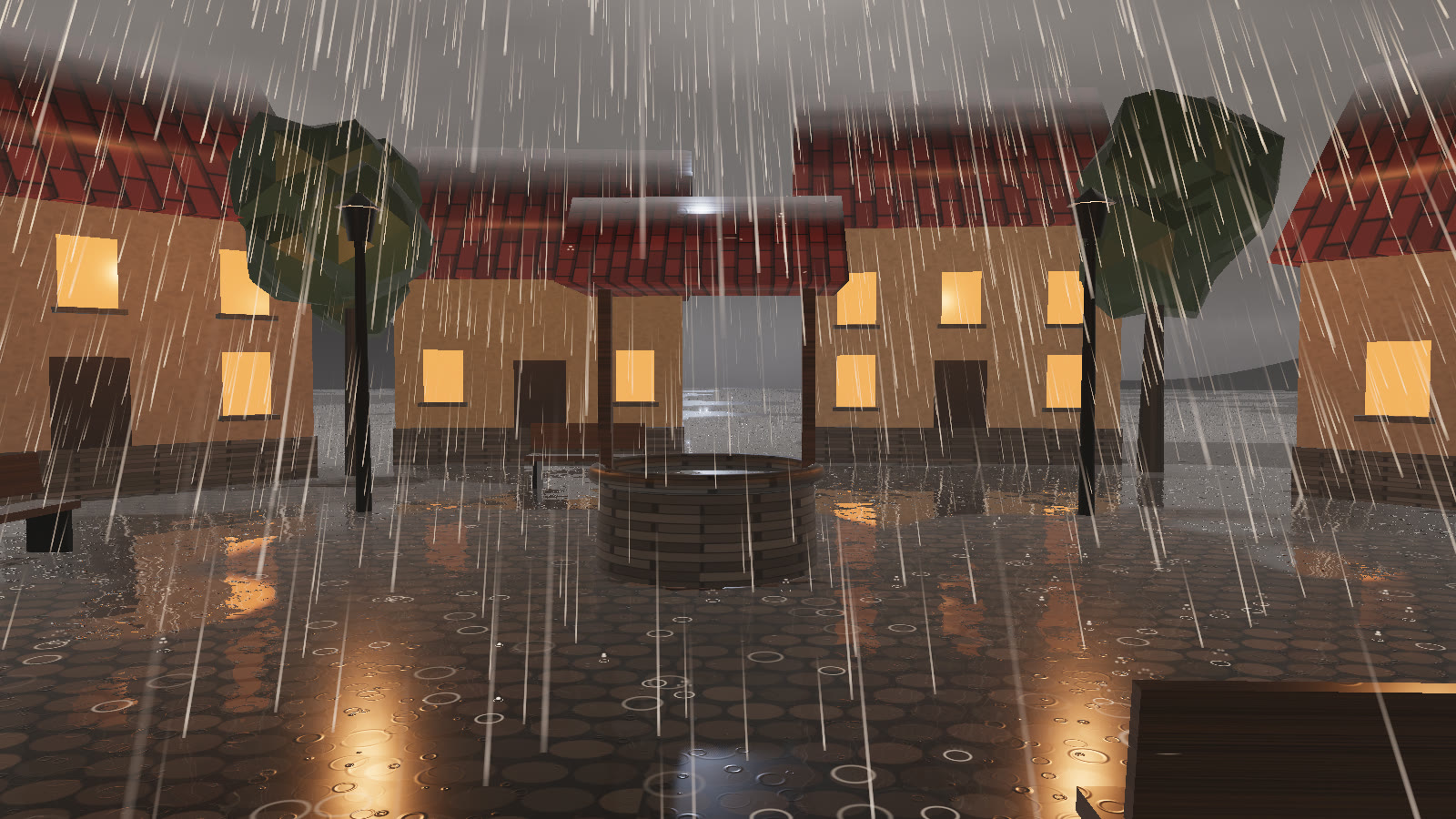
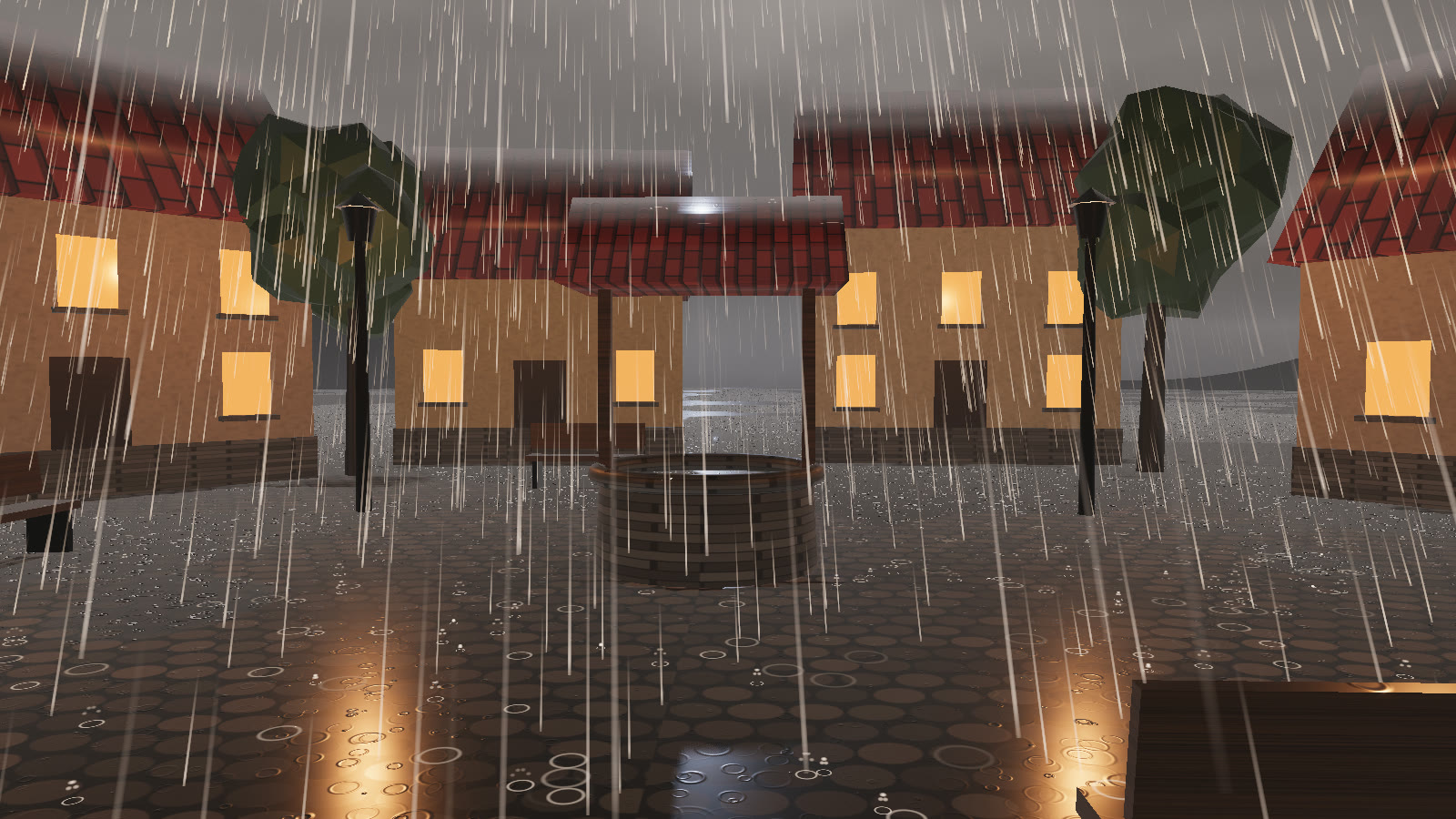
downpour, just above the cobbles. With SSR the puddles mirror the houses and their lit windows. Without it they reflect the sky colour.Screen-space reflections are part of weather.render(). The ray takes ssrSteps steps: 12 on low up to 28 on ultra. Rays that leave the screen fall back to the sky colours from setLighting({ skyHorizon, skyZenith }).
weather.render();              // the pipeline exists after the first render()
weather.pipeline.ssr = false; // puddles reflect the sky colour only#Your own shaders
The patch reads the shared uniform block, weather.uniforms. wet, cover, rain, puddle, wind and time are there, together with the occlusion map (heightTex, hArea, hTop, hNear, hFar, hFloor). Bind them by reference into a custom ShaderMaterial and they update every frame. This is advanced use, and the uniform names can change between versions.